Two of gpt-image-2’s three headline capabilities are now matched by Seedream 4.5 and Nano Banana 2. The third one isn’t, and it’s the one most worth knowing how to use. The rest of what makes this model interesting is what people are actually doing with it on a Tuesday afternoon, plus the ways it still flunks.
Four days after the launch, we ran fifteen calibration calls through OpenRouter against gpt-image-2, Seedream 4.5, and Nano Banana 2 to see which of OpenAI’s launch claims held up. The cost was off by roughly 4x, the latency by 3x, and thinking mode did almost nothing useful on the image model. Most of the rest of the marketing was directionally right, but missed what each model is now for, given that the field has caught up on the basics.
Three new tricks (and only one of them is uniquely gpt-image-2)
The launch copy listed more than a dozen new features. Three of them genuinely change what an image model can do. Only one of those three is currently single-source on gpt-image-2, and knowing the difference saves you from reaching for the most expensive, slowest tool in the kit when something cheaper does the job.
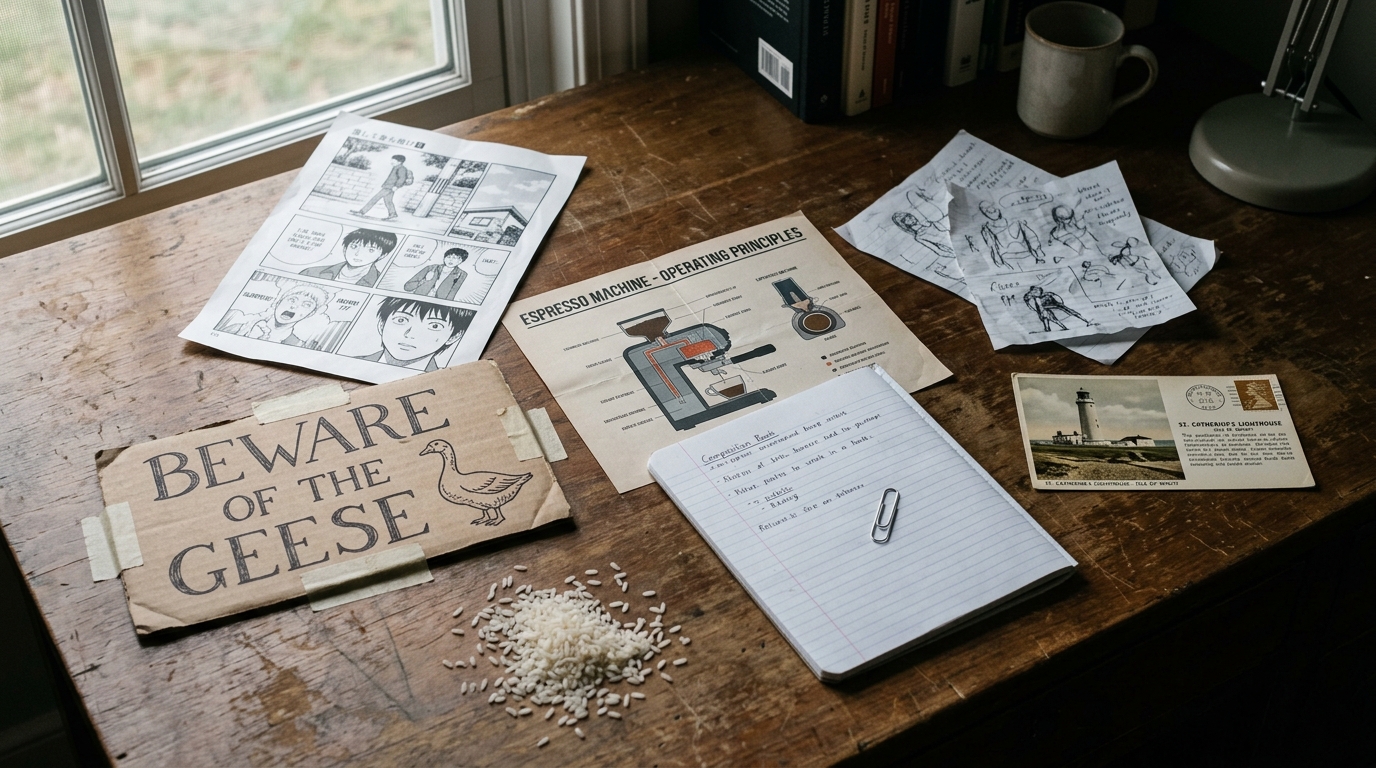
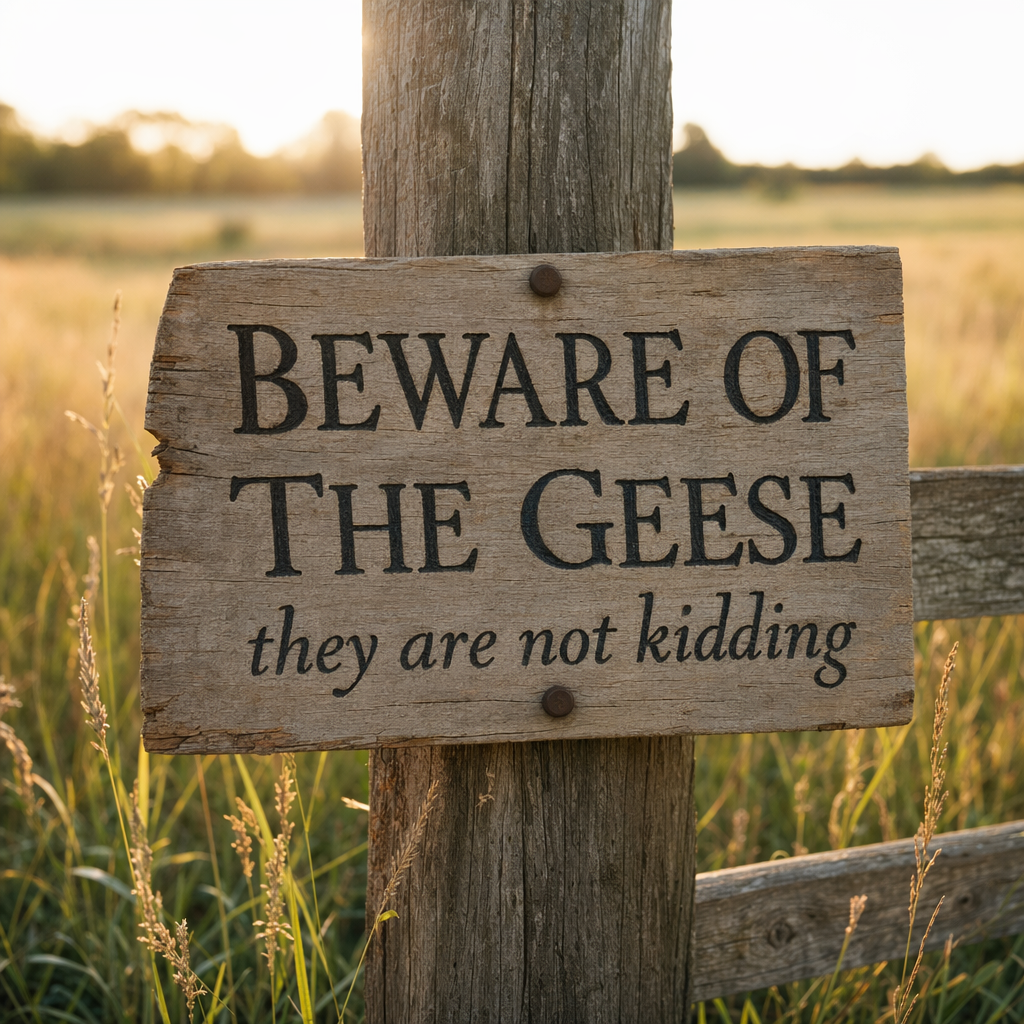
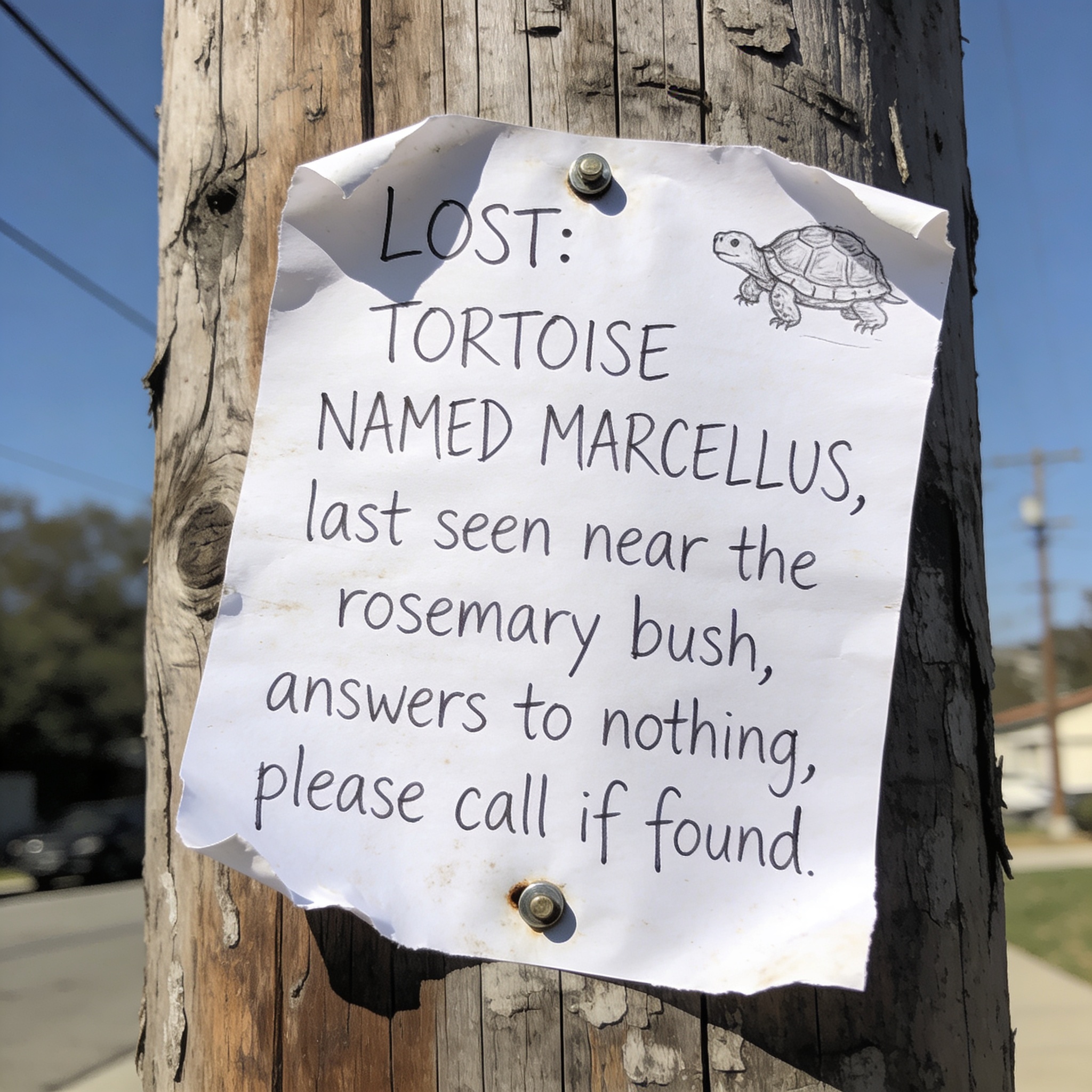
1. Legible text inside images. Ask for a sign that reads BEWARE OF THE GEESE in serif capitals, and you’ll get one. The capability that drove the launch coverage works exactly as advertised. It also works in Seedream 4.5 and Nano Banana 2, both of which we ran on the same sign prompt and both of which returned crisp, readable lettering at a fraction of gpt-image-2’s per-image cost (roughly a quarter for Seedream, roughly a third for Nano Banana 2). Text in images is the bar everyone has cleared this month, not the bar gpt-image-2 alone owns.
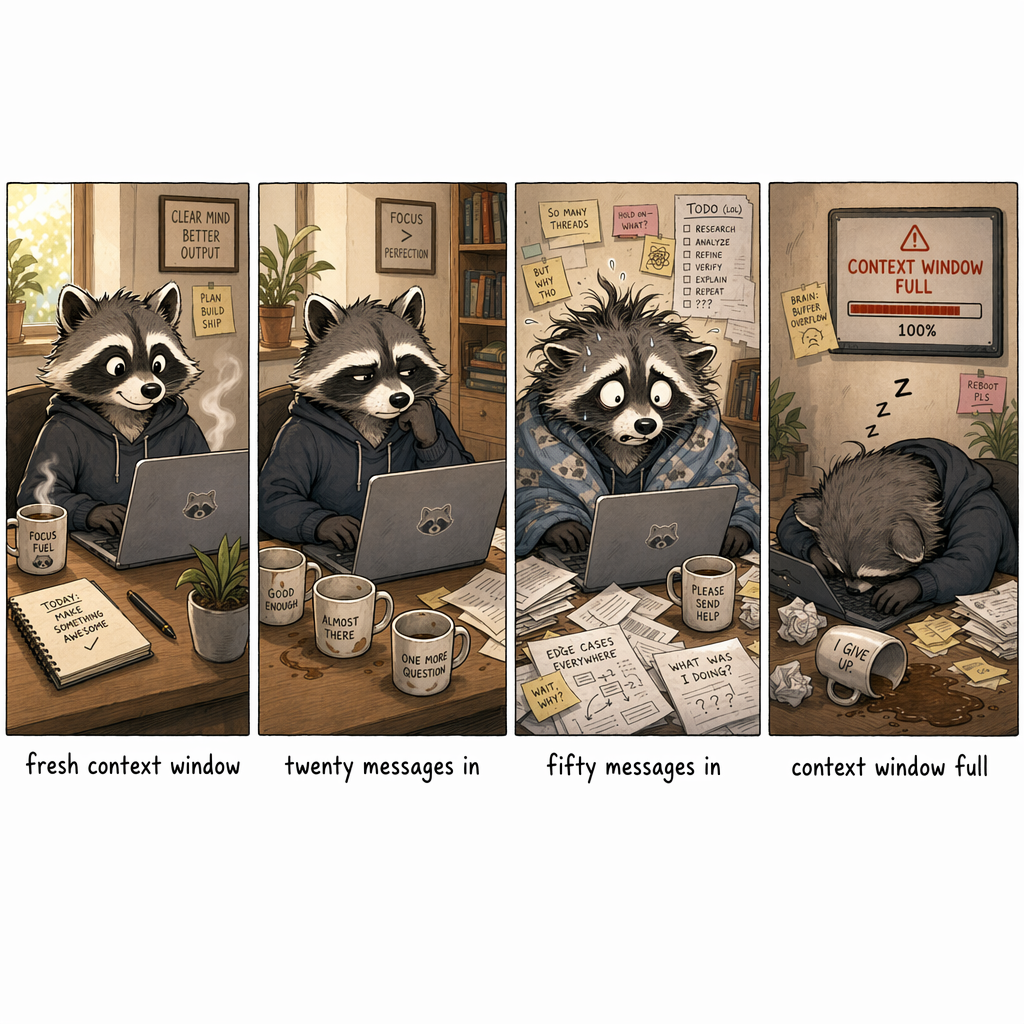
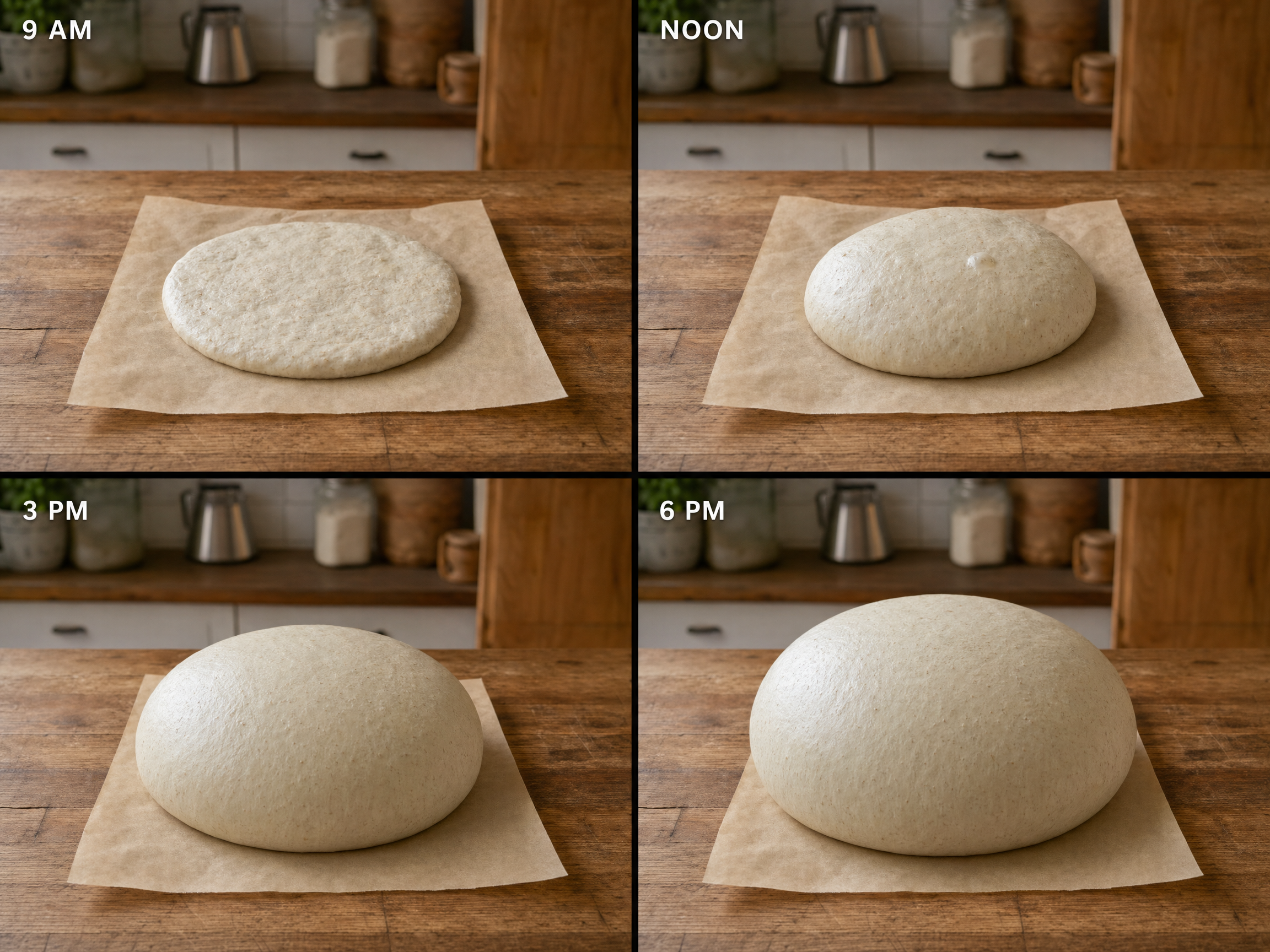
2. Holding a character across multiple panels in one generation. This is the unique one. Ask for a four-panel comic of a raccoon’s mood deteriorating across a long debugging session, and gpt-image-2 returns one image with four panels inside, the same raccoon recognizable in each, with progressive wear. The other two models can fake this by chaining generations and passing previous outputs as references, but the consistency is much weaker. The mechanic to internalize: one image back with panels arranged inside it, not four separate images. Plan accordingly.
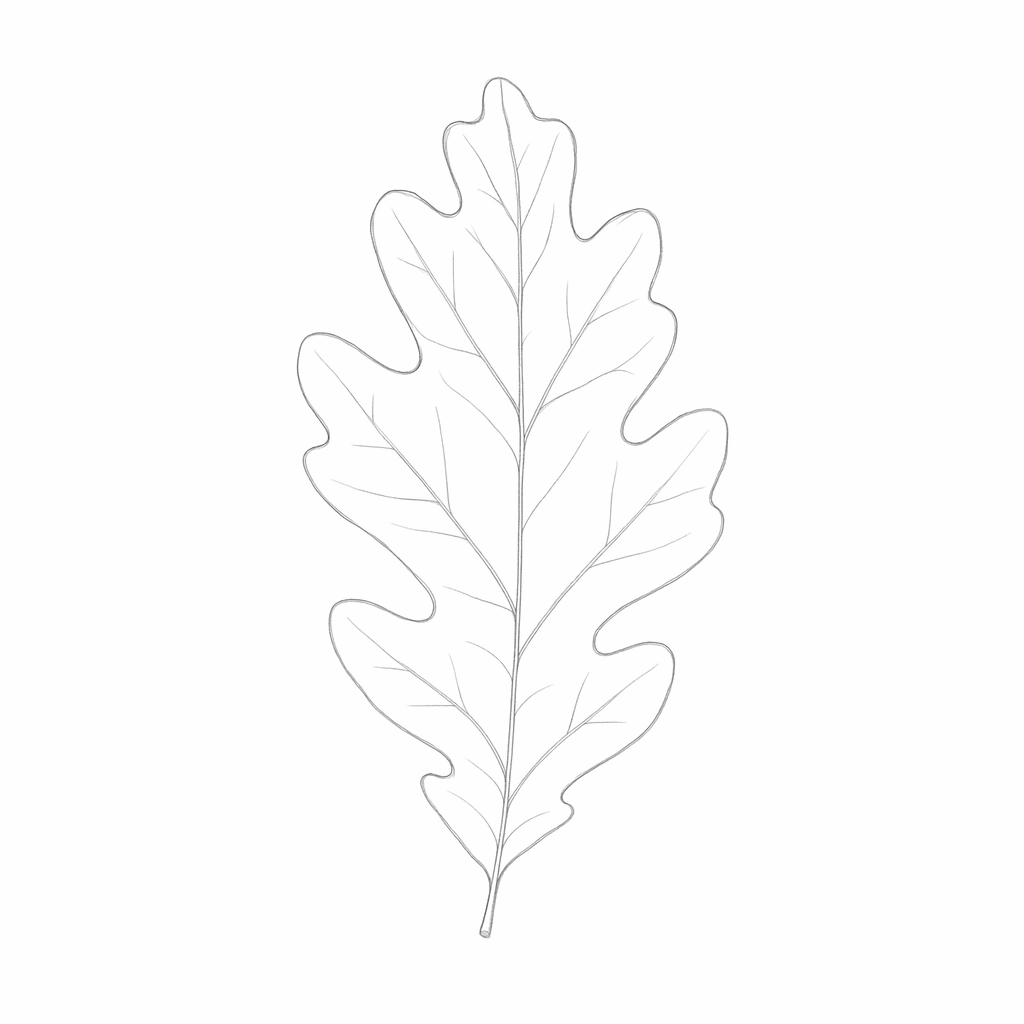
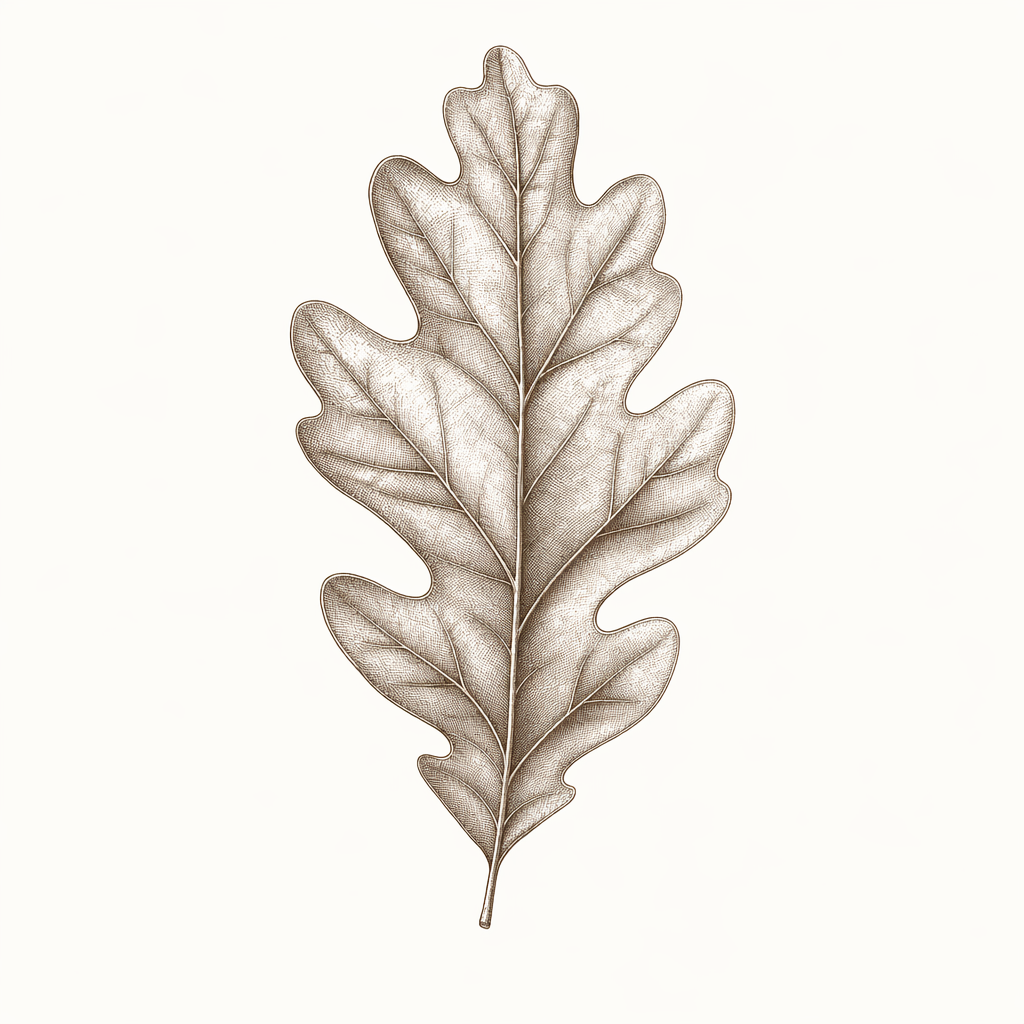
3. Reference-image style transfer. Pass in a sketch, ask for it rendered as a copper etching, and you get back the same composition and pose in copper etching. We tried this with an oak-leaf pencil baseline and got back a sepia etching with crosshatched shading and recognizable leaf veins. Identity preservation is strong, medium swap is convincing. Gemini’s image-edit endpoint and Seedream both have variants of this; by the metrics we tested (composition fidelity, medium swap quality), gpt-image-2 is currently ahead, but the gap is narrow and the field is moving.
Seven use cases the launch deck skipped
Seven use cases worth trying this week, each with a starter prompt to adapt and a tool recommendation in parentheses based on what we calibrated.
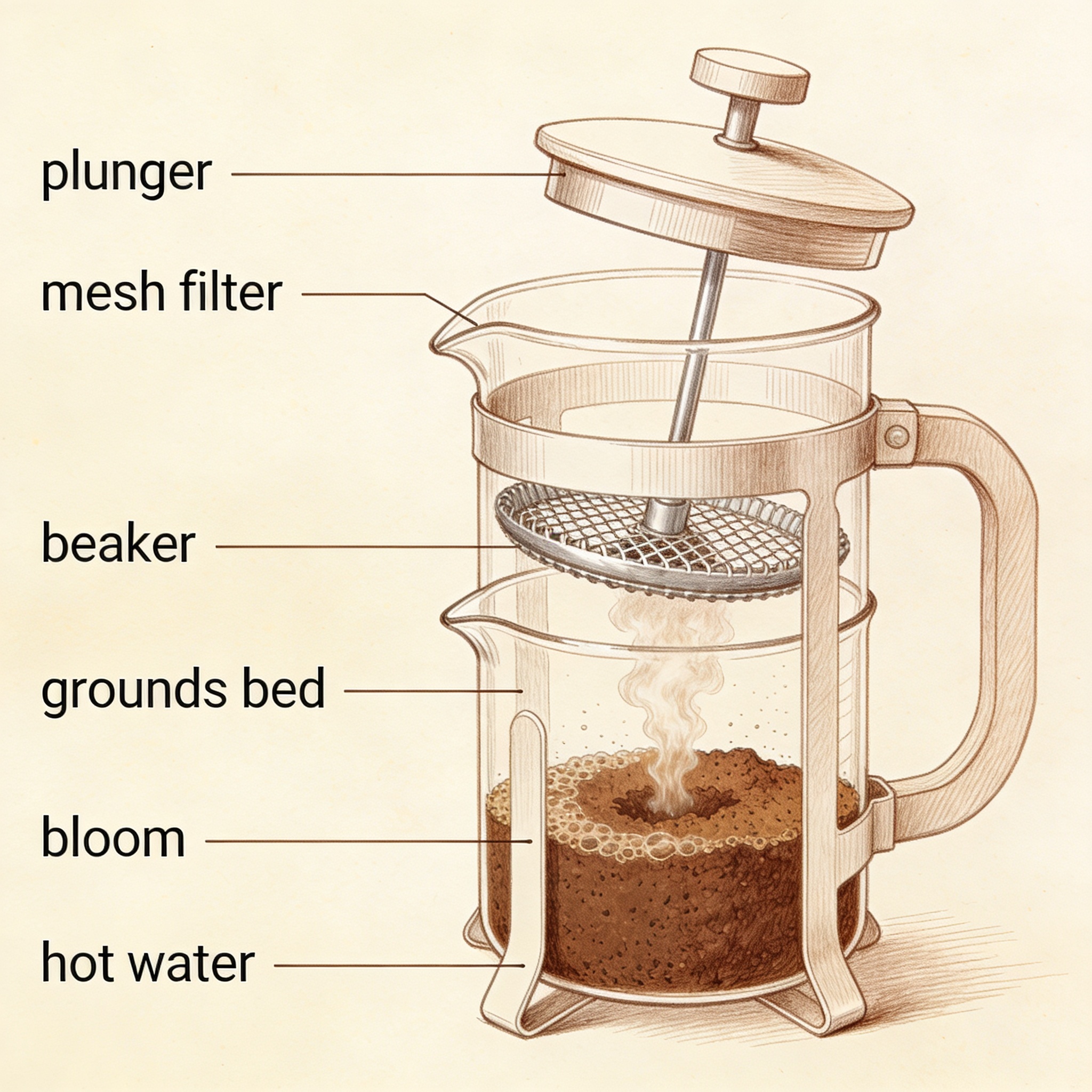
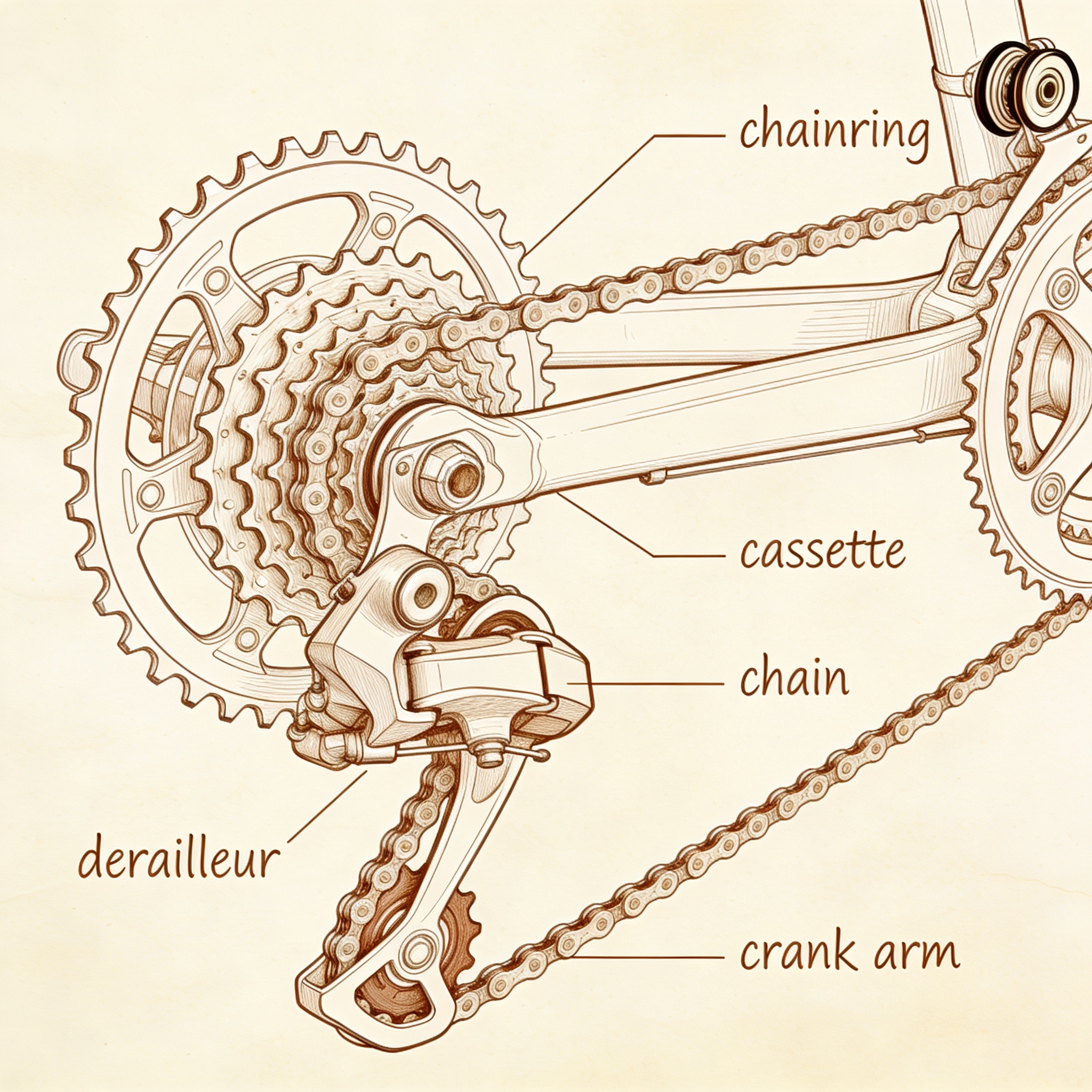
1. Labeled diagrams and educational cutaways (gpt-image-2). The kind of illustration that previously meant hiring an illustrator or settling for stock that didn’t match what you needed. Labels need to be exact, and gpt-image-2 carries them well.
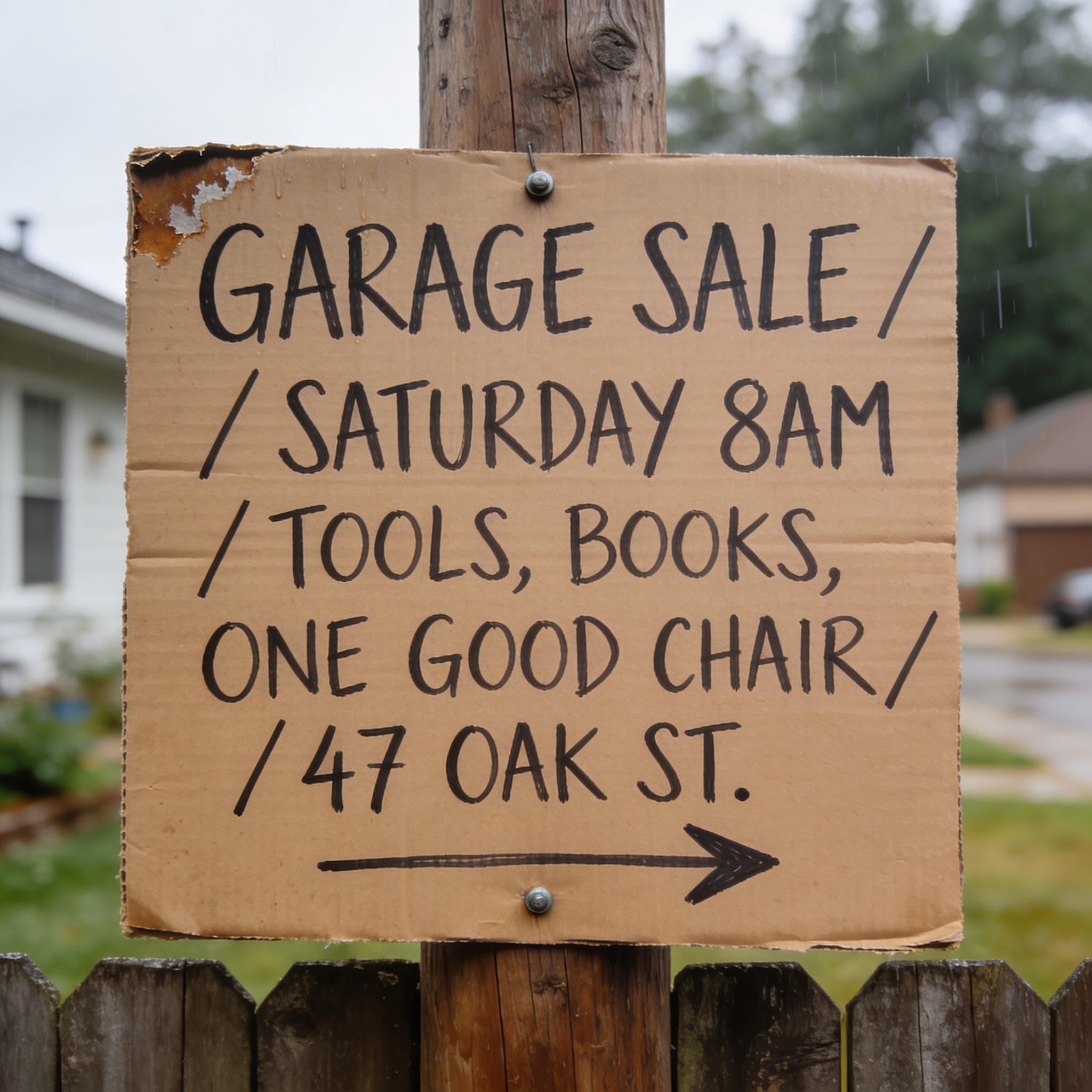
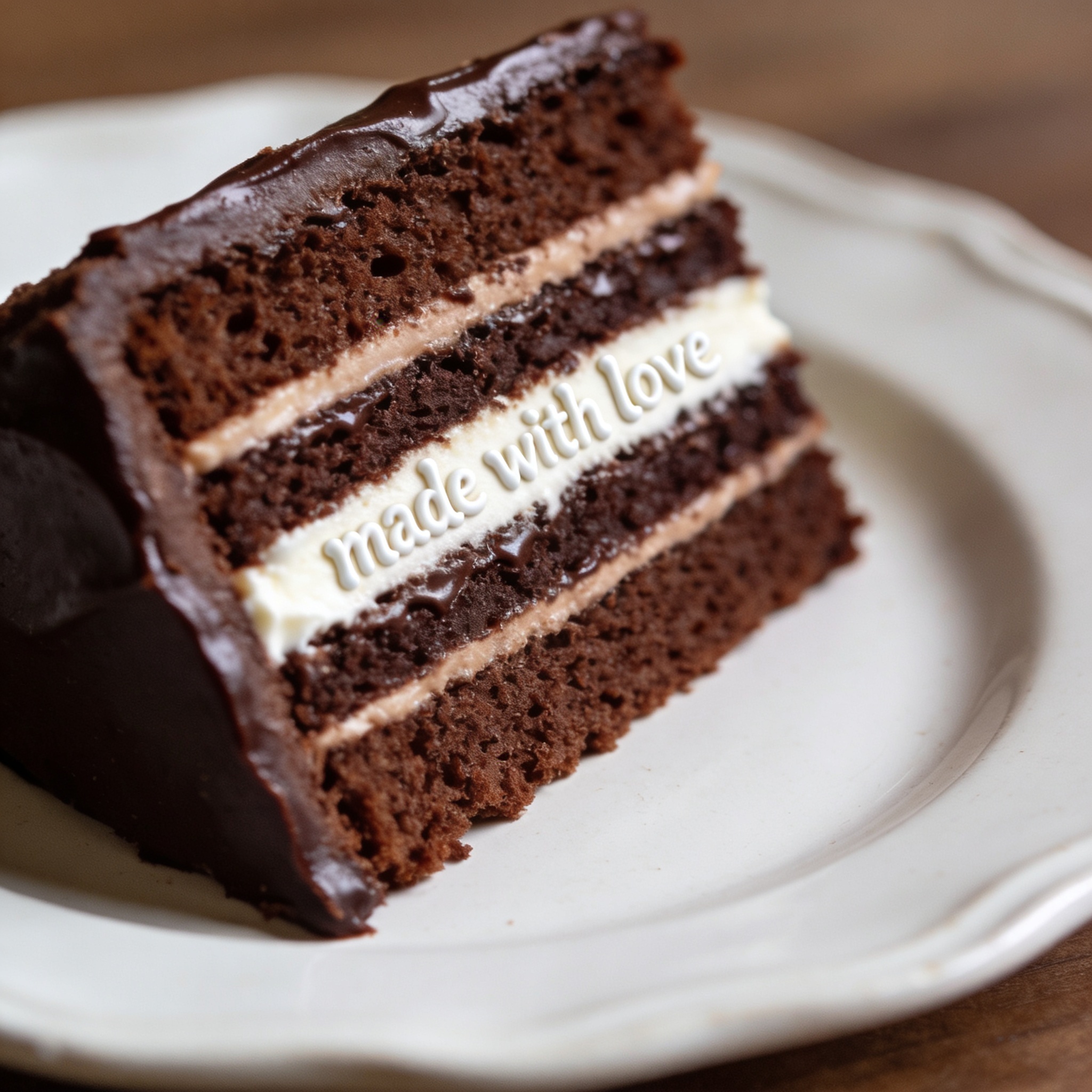
2. Custom hand-lettered signs, posters, menus (Seedream). Birthday signage, fictional bar menus for tabletop sessions, neighborhood-watch flyers, garage-sale boards. Seedream’s atmospheric work shines here and the per-image cost makes iteration cheap.
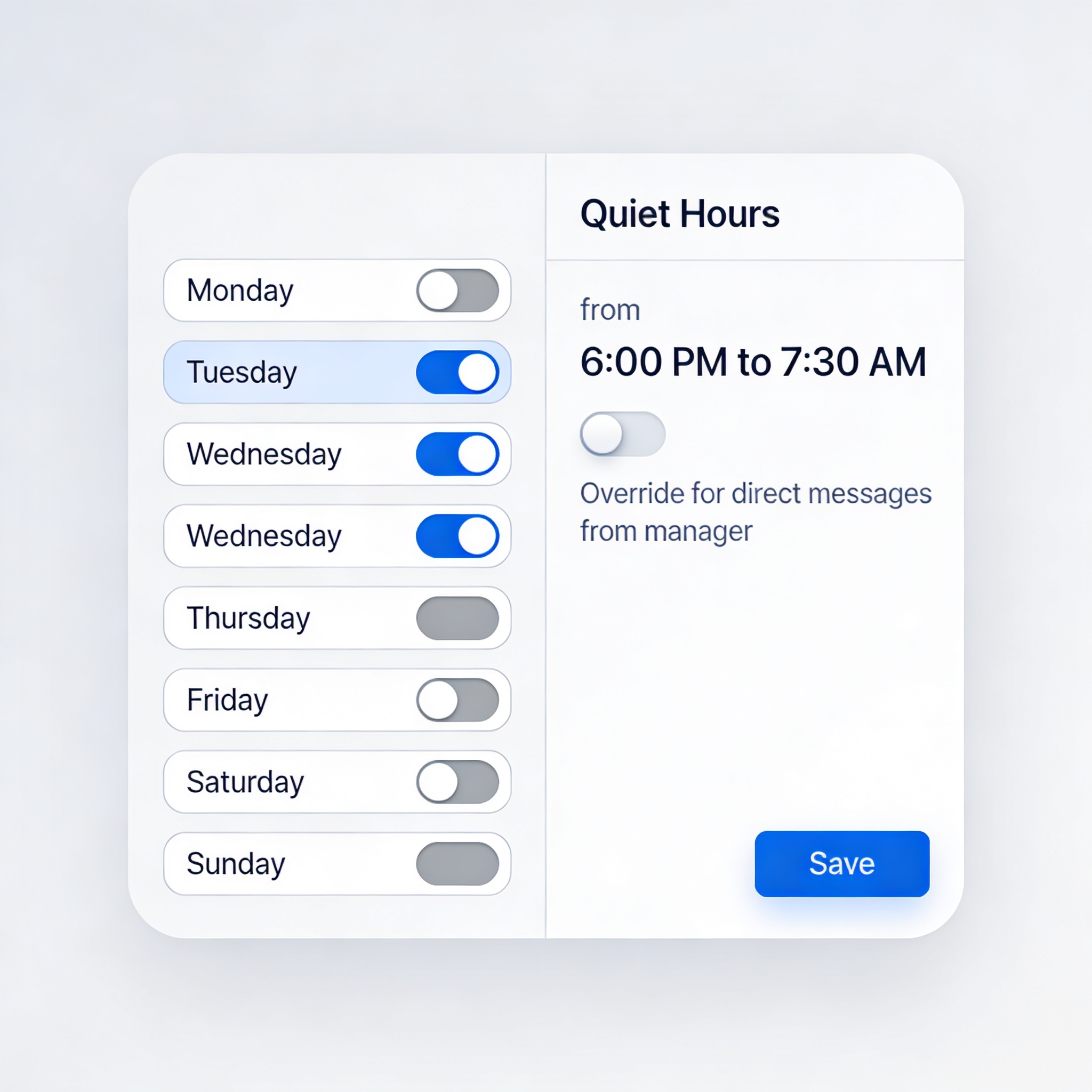
3. Synthetic product UI mockups (gpt-image-2). For features that don’t exist yet, dashboards that would leak real data, or product states that only show up in edge conditions. gpt-image-2’s spatial-layout discipline is the strongest of the three when you’re specifying a tight UI.
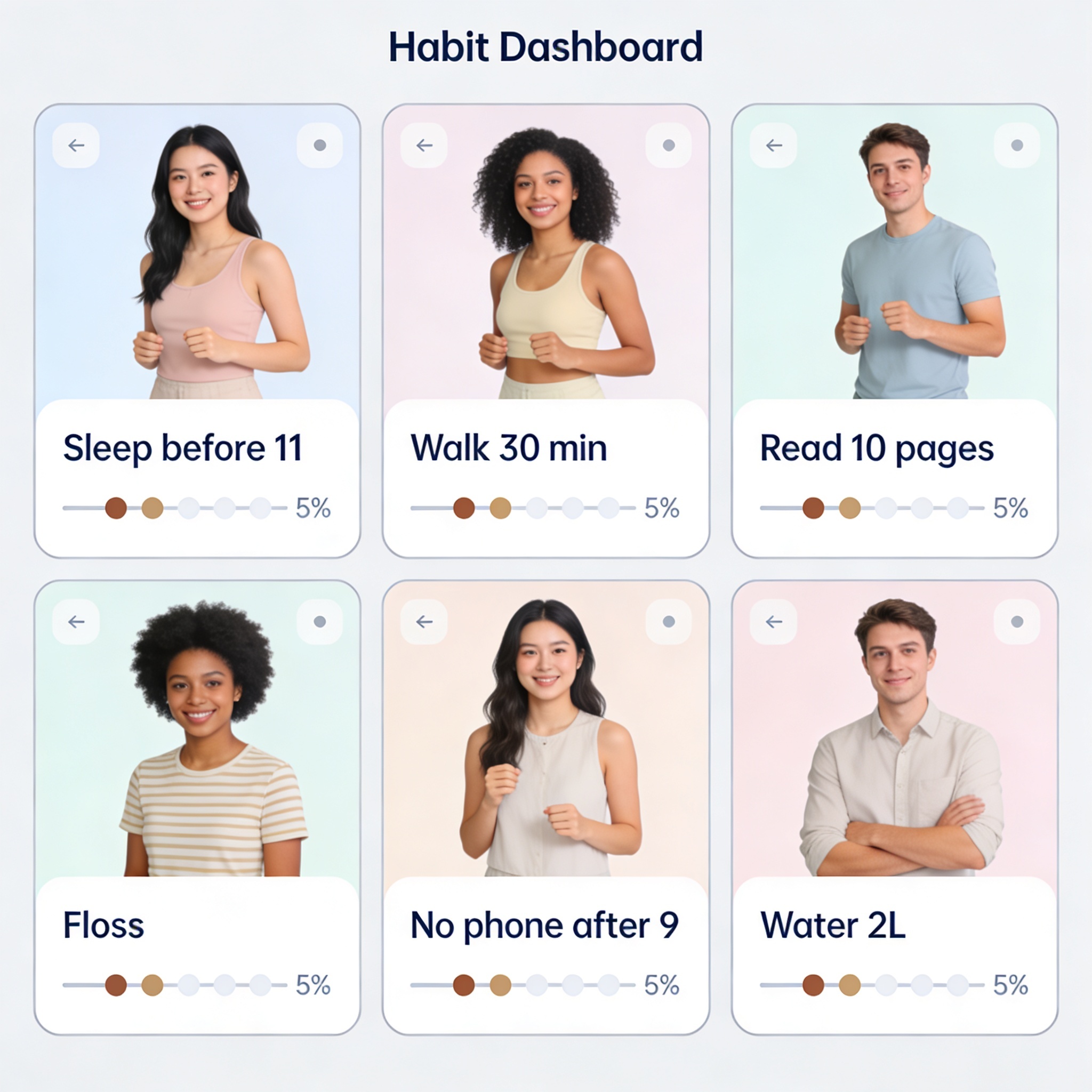
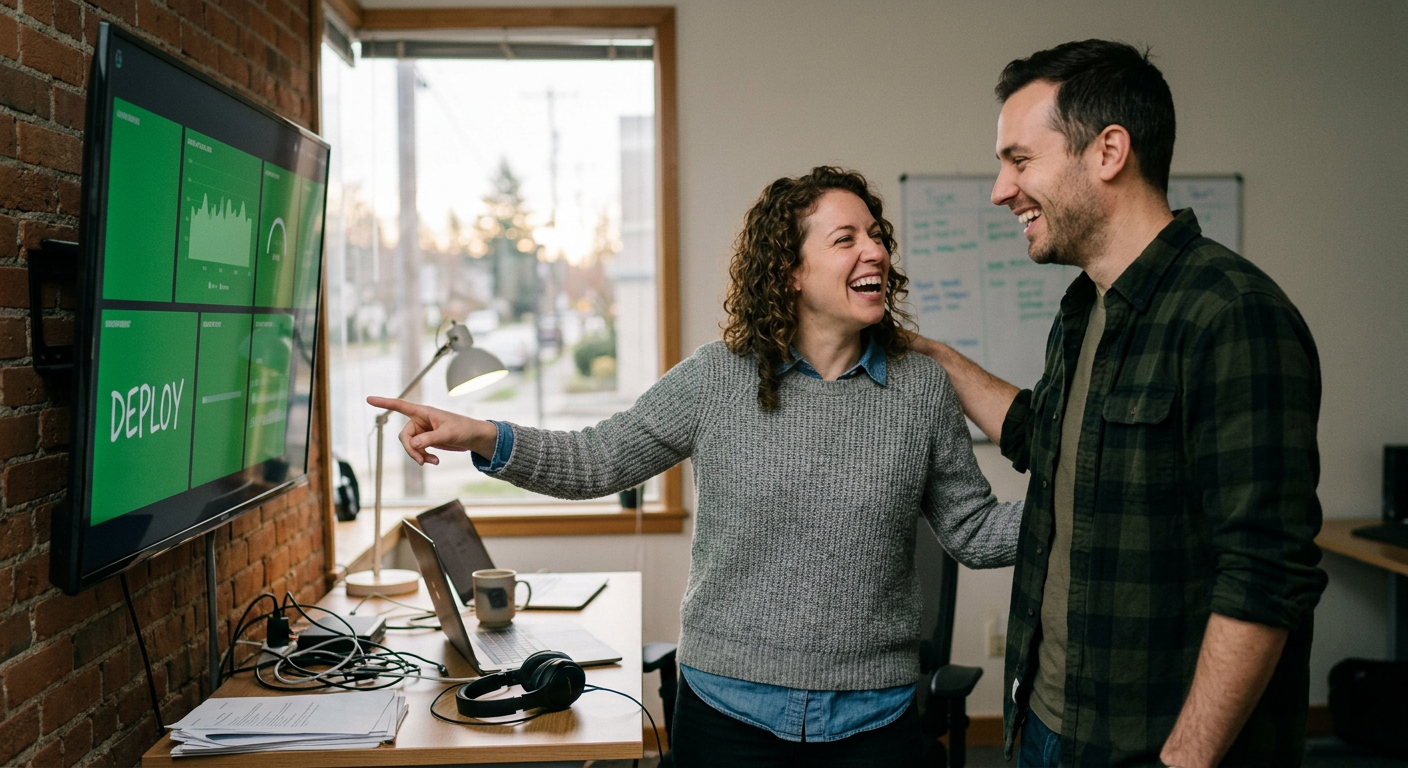
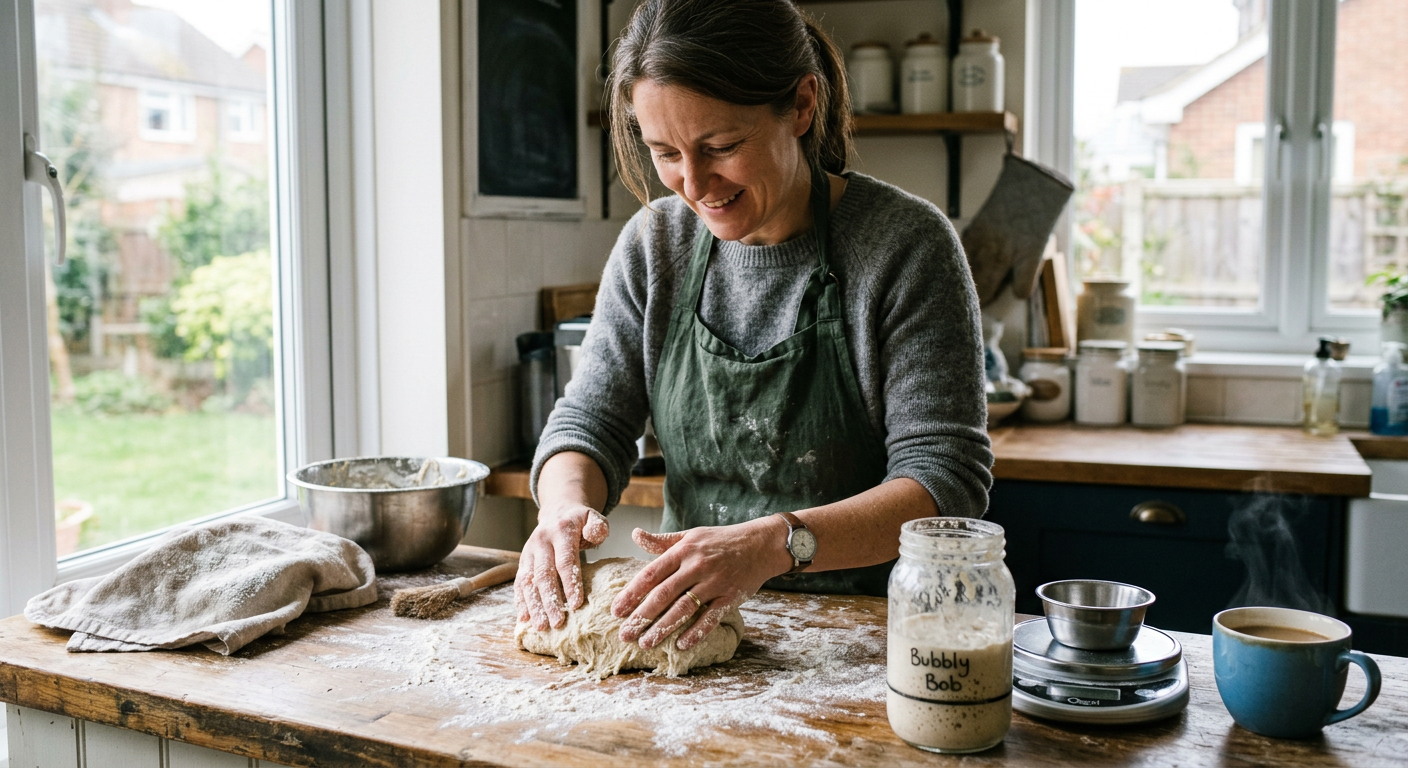
4. Real-people-in-real-situations scenes where stock photos are tired (Nano Banana 2 or Seedream). The post-deploy moment, the parent making sourdough at a Saturday counter, the volunteer registration line at a public library. Composition you control, no licensing complications, and the model fills in the surrounding context on its own.
5. Multi-panel mini-comics for explainers (gpt-image-2). Process walkthroughs, before-and-afters, the four hours of a sourdough rise. This is the use case the panel-consistency capability from the previous section most directly enables.
6. Style-as-recipe re-skins (Seedream). Take the structural grammar of a poster genre and apply it to a different subject. Heinrick_Veston’s alt-universe GTA posters are this move applied to a copyrighted grammar; you can do the same trick with any non-trademark-fraught poster vocabulary.
7. Tiny-text-in-context surprise (gpt-image-2 at API resolution). Inspired by py-net’s pile of rice with “wOw” on a single grain. Embed a small worded artifact somewhere a careful reader might find. The API exposes 4K output that the ChatGPT UI doesn’t, which is the part that makes the tiny text actually legible.
Five trials worth riffing on
Five recent gpt-image-2 experiments that came out of the community in the four days since launch, with our riff on each. Riffs add a wrinkle (default vs. cranked, different genre, our own micro-text); the originals are linked, and the linked context is worth a click.
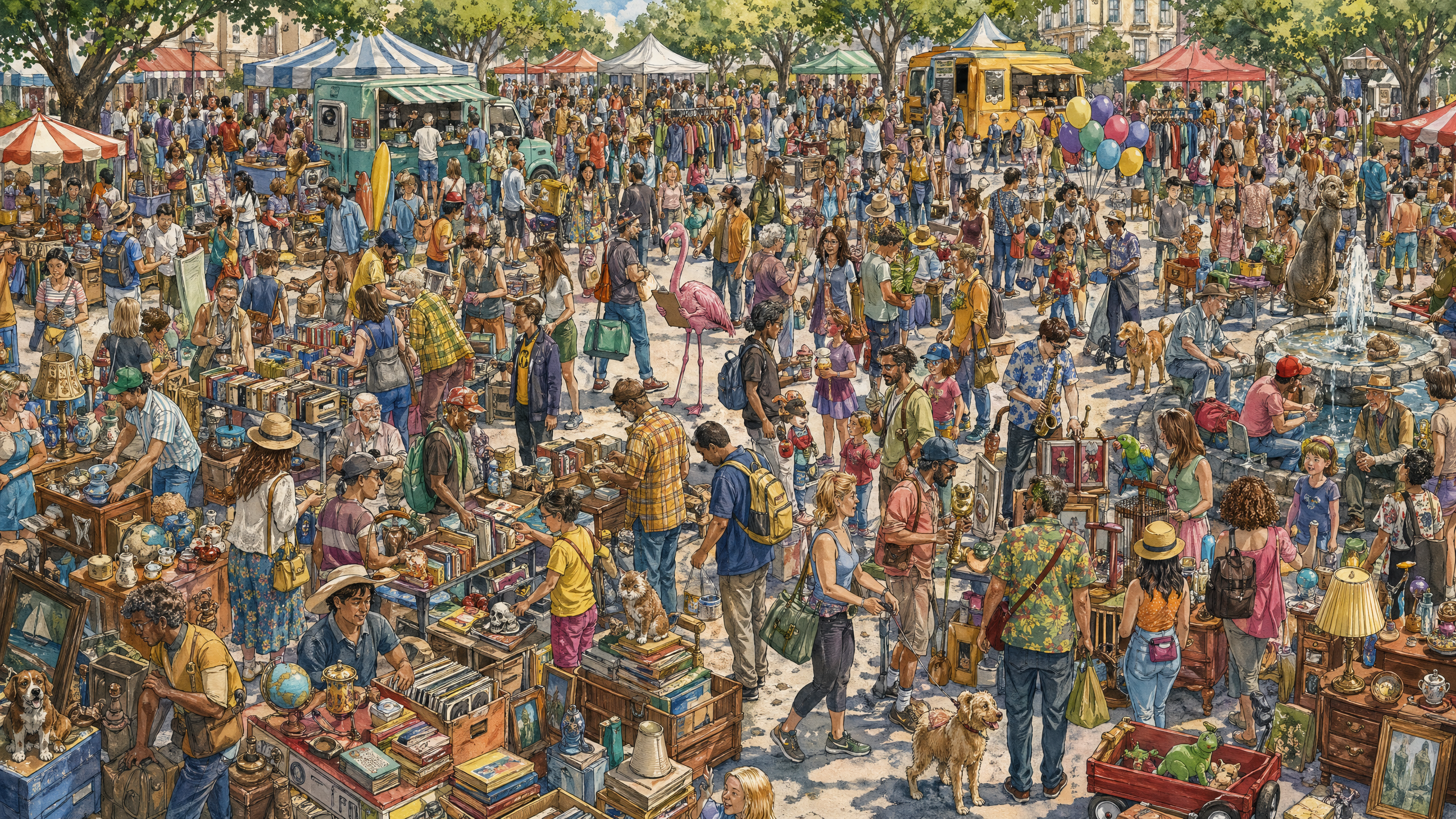
The “knobs that matter” raccoon. Simon Willison ran a Where’s-Waldo-style raccoon-with-ham-radio prompt on launch day. At default settings the raccoon was unfindable. Cranking output dimensions to 4K and quality to high produced a dense crowd scene with a clearly visible raccoon, at a cost of roughly $0.40 per image. The lesson: defaults hide the model. Our riff is a flamingo holding a clipboard, default vs. cranked, side by side. Look at the gallery below and notice what the cranked version makes legible that the default doesn’t.
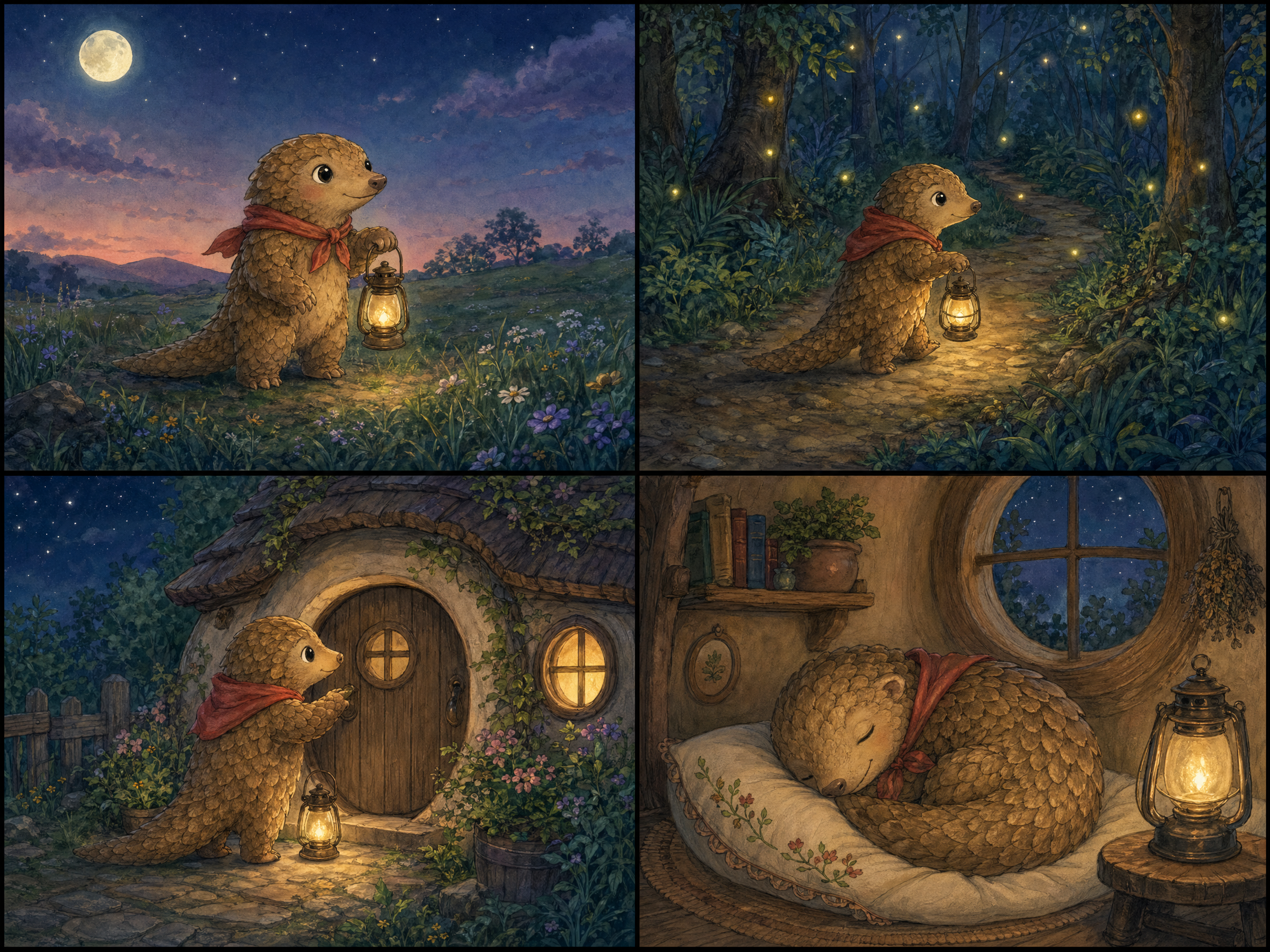
A bedtime manga for two daughters. Reddit user u/S-Plantagenet made a multi-panel manga for his daughters with a “turns into flowers” transformation panel that held color and character consistency across panels. The thread comments praised the consistency and noted the storyboard pacing as the weakest part. Our riff is a four-panel original bedtime story we commissioned with a protagonist named Pell the Pangolin. The gallery shows the four panels; watch for what the model holds constant across them, and where (if anywhere) the storyboard pacing strains in the way the original thread flagged.
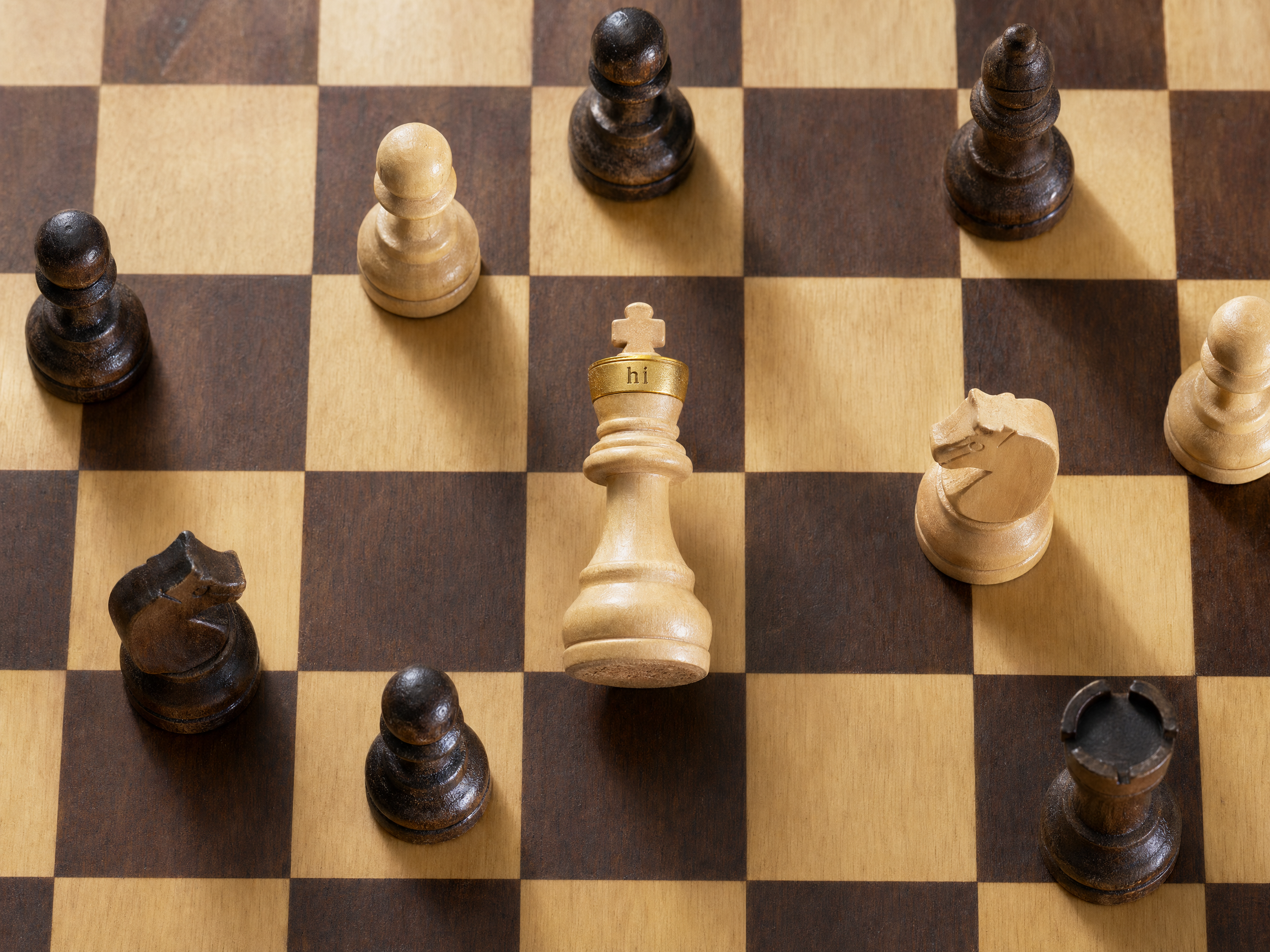
The pile of rice with “wOw” on one grain. u/py-net’s prompt was exactly: “A massive pile of rice, on ONE rice grain there is text reading ‘wOw’.” The output is thousands of grains and one grain with legible text. Same thread noted that the API exposes 4K resolution the ChatGPT UI doesn’t. Our riff is a chess board where the white king’s crown has “hi” carved in tiny lettering. Same trick, different surface, same lesson about API resolution mattering when the resolution matters.
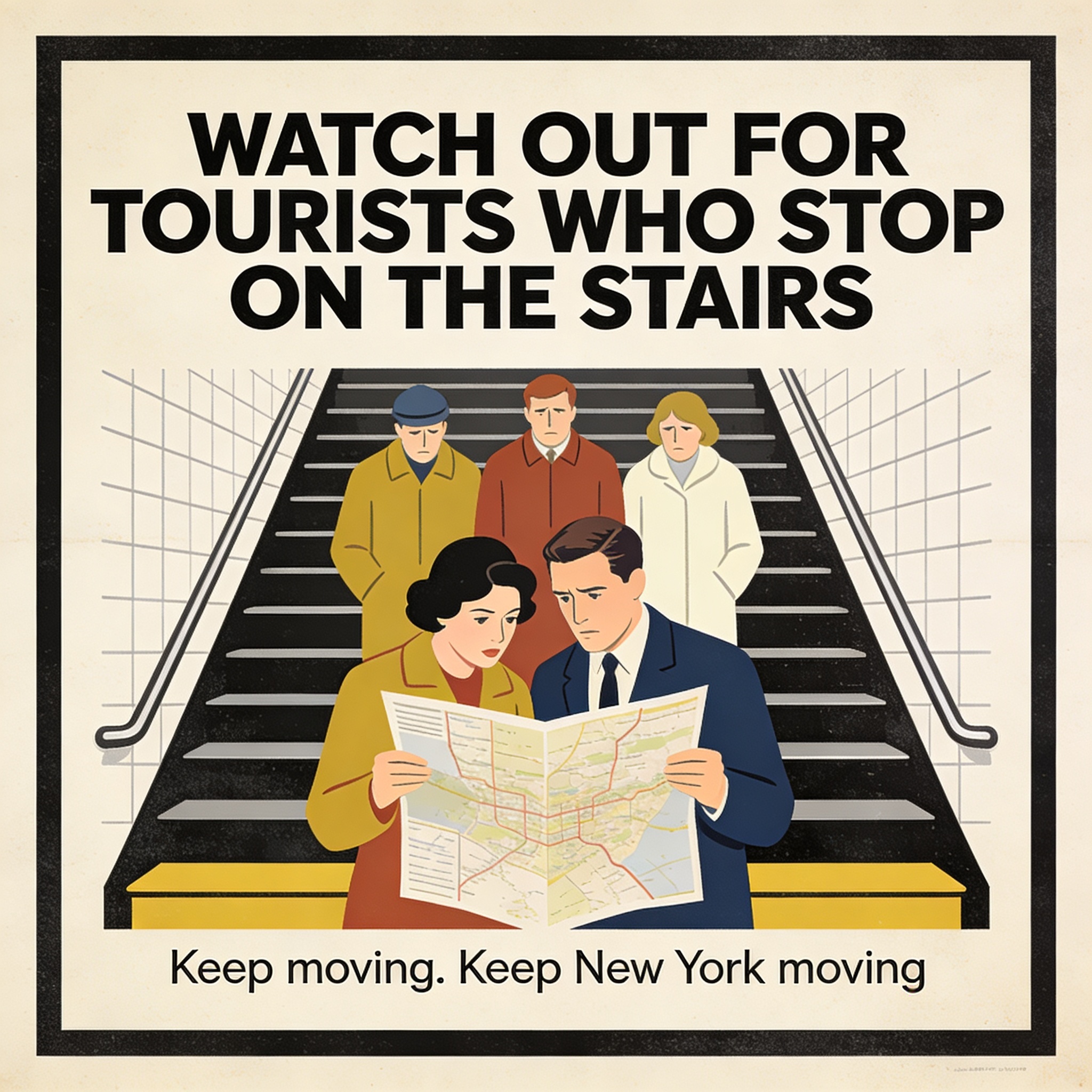
Alt-universe poster grammar. u/Heinrick_Veston’s alt-GTA posters preserved the GTA visual grammar (split panels, character mosaic, neon title) while swapping every other element. The technique generalizes to any structural poster vocabulary. Our riff sidesteps the IP overlap and lifts a different grammar: a vintage NYC subway PSA poster, here for the absurd modern problem of tourists who stop on the stairs. The structural prompt is the move; the genre is the variable.
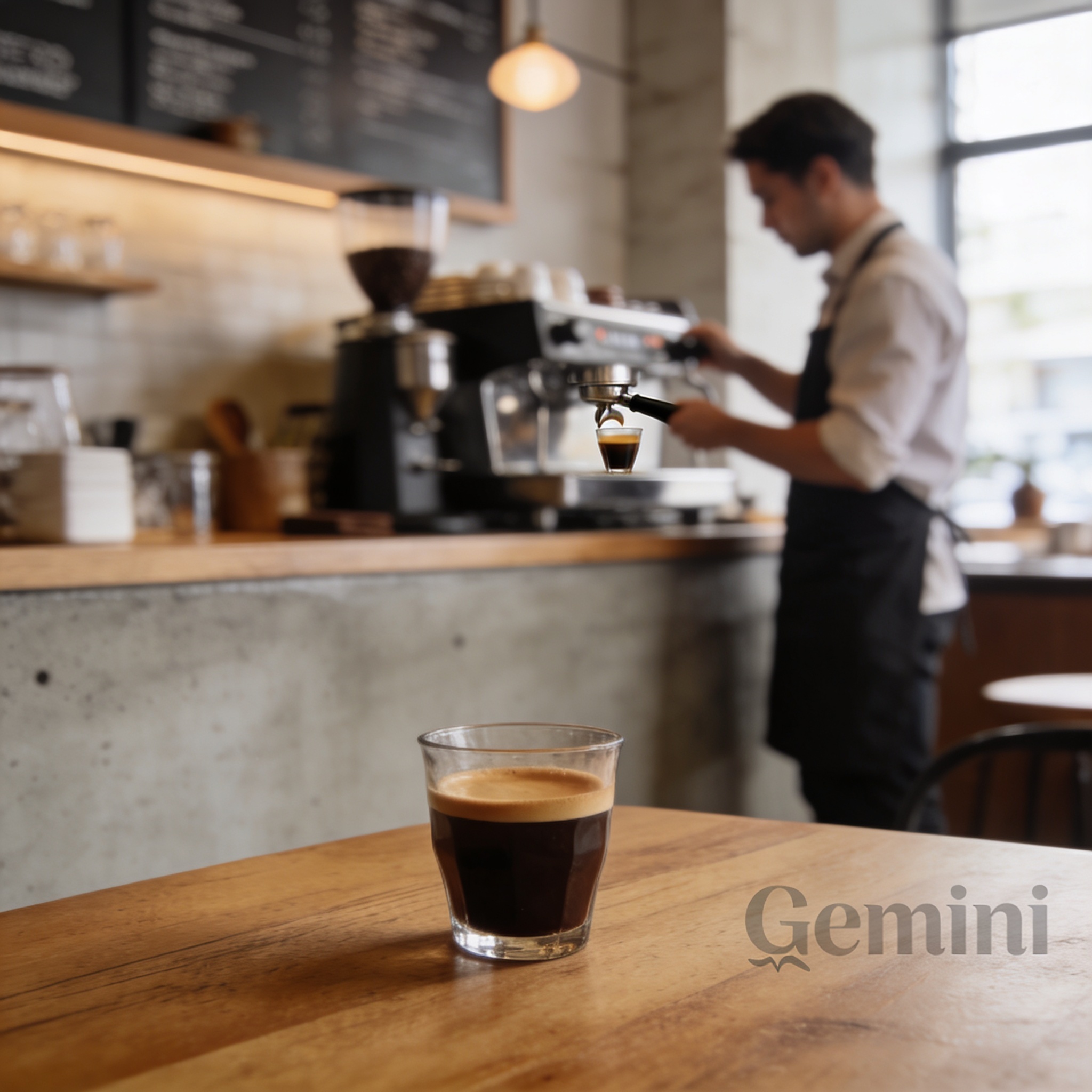
The Gemini watermark that wasn’t supposed to be there. u/boynet2 generated an image with a visible Gemini watermark baked in, the visual evidence that AI-generated imagery is now showing up in other models’ training data. Our riff is a sweep of unrelated prompts to see what else slips through: watermarks, captions, fragments of other apps’ UI in unexpected corners.
Where it still flunks
The model is also still bad at things, in ways the demos didn’t show. Two we found in calibration that you’ll most reliably hit in the next month, plus one that closes a thread from the section above.
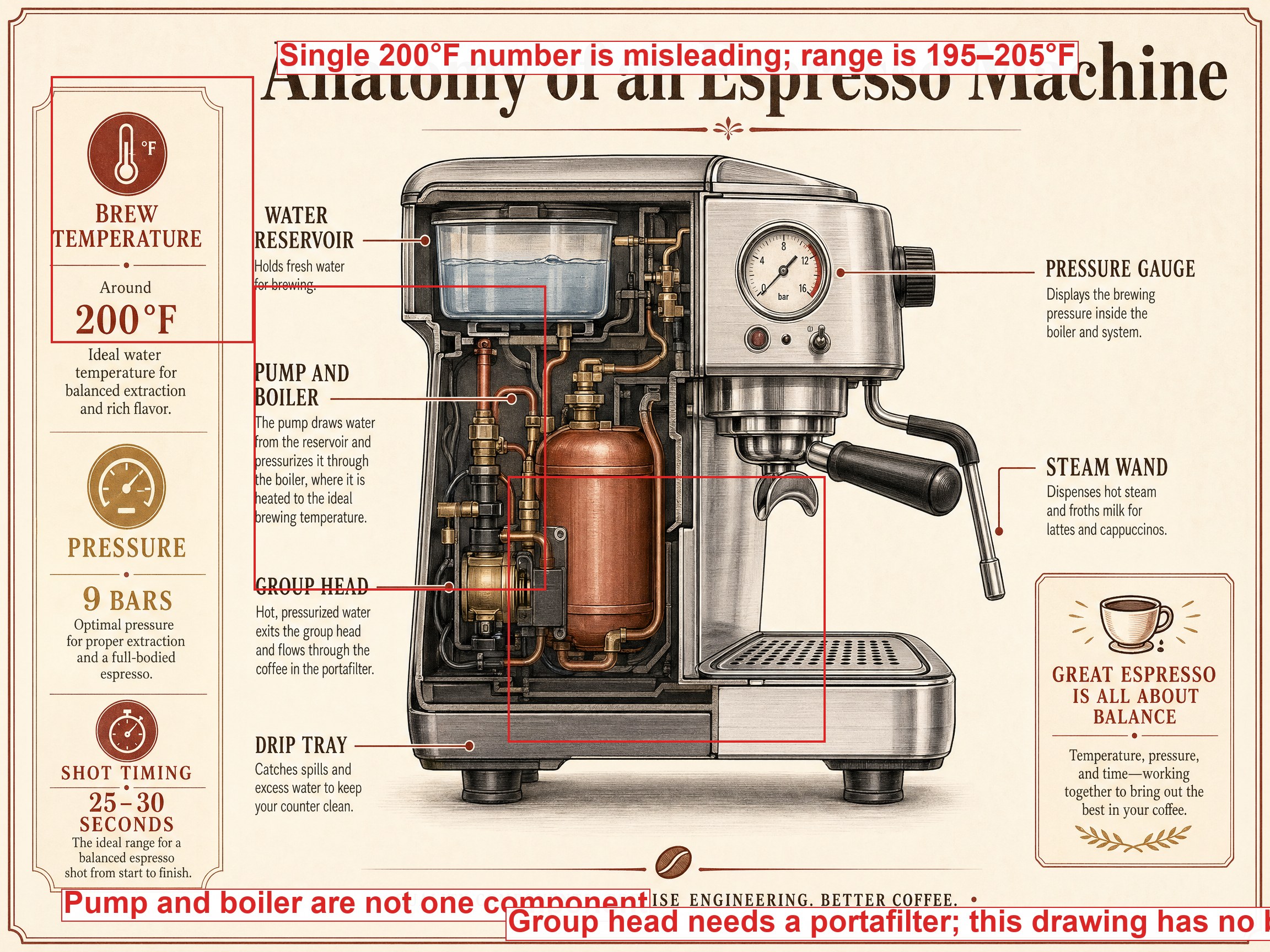
The infographic that looks right until you read it. u/CyborgMetropolis tested the infographic claim and noted in their own comments that the layouts looked great from a distance and the labels were wrong up close. We ran the same test on a topic where we know the truth (parts of an espresso machine) and annotated the actual errors that came out. The annotated version is below. The visual design is convincing; the information is not. Treat infographics from this model as layout drafts, not as fact-bearing artifacts.
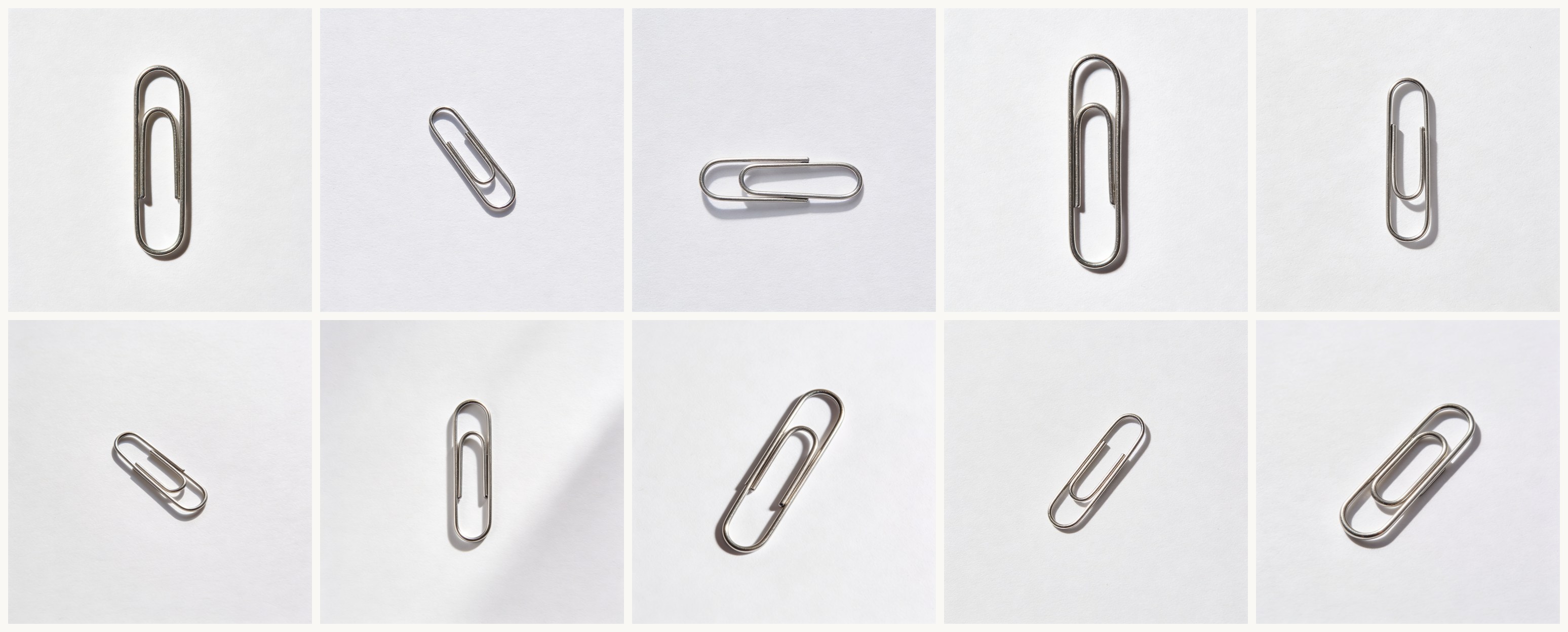
The paperclip test, where you sometimes get a paperclip. Image models have historically failed to draw a paperclip; the loops come out wrong. u/RobRobbieRobertson’s launch-week test showed gpt-image-2 still flunking it. u/Snoron, in the same thread, ran the same prompt several times and got correct paperclips most attempts. We ran it ten times in Seedream (cheap enough to honestly report a rate) and put the contact sheet below. The new failure mode for simple objects: the model gets it right most of the time, and the occasional confidently-wrong output is now your problem.
Training data leaks weird artifacts. Closing the loop on the Gemini-watermark trial above: gpt-image-2 sometimes produces images with visible artifacts from other models’ training data, including the watermark u/boynet2 documented. The mechanism is what u/ikkiho described in the thread: image models learn watermarks as high-frequency features in scraped training data, and as AI-generated imagery floods the open web, those features show up in downstream models. Which means gpt-image-2 sometimes signs its outputs with somebody else’s watermark. Practical consequence: when you generate an image meant to look like a clean photograph or original artwork, scan the output corners for watermarks before publishing. The model isn’t doing this on purpose; it hasn’t unlearned the patterns yet, and a patch is probably coming.
What’s worth trying this week
The model is at its most interesting right now, before whatever softening, watermark patches, and rate adjustments roll out in the next few releases. The Gemini-watermark exploit will get fixed. The default settings will quietly creep toward more conservative outputs. If you’re going to learn what gpt-image-2 can do, this week is unusually good for it.
Pick the multi-panel mini-comic. It’s the one capability nothing else currently matches in a single call, and the four-hour sourdough rise is a small enough subject that you can tell whether the consistency is actually working before you commit to anything ambitious. Write the prompt, run it once, look at the four panels, and notice what the model decided to keep constant on its own.
The version of an AI tool you can actually run right now is the one that teaches you what’s possible. The polished version, six months later, will be more polite and less revealing. The four-panel sourdough rise is one prompt away. Run it tonight.
Images by gpt-image-2, Seedream 4.5, and Nano Banana 2.